PyroSim / FDS
PyroSim is a graphical user interface for the Fire Dynamics Simulator (FDS). It helps you build and manage the details of complex fire models quickly.
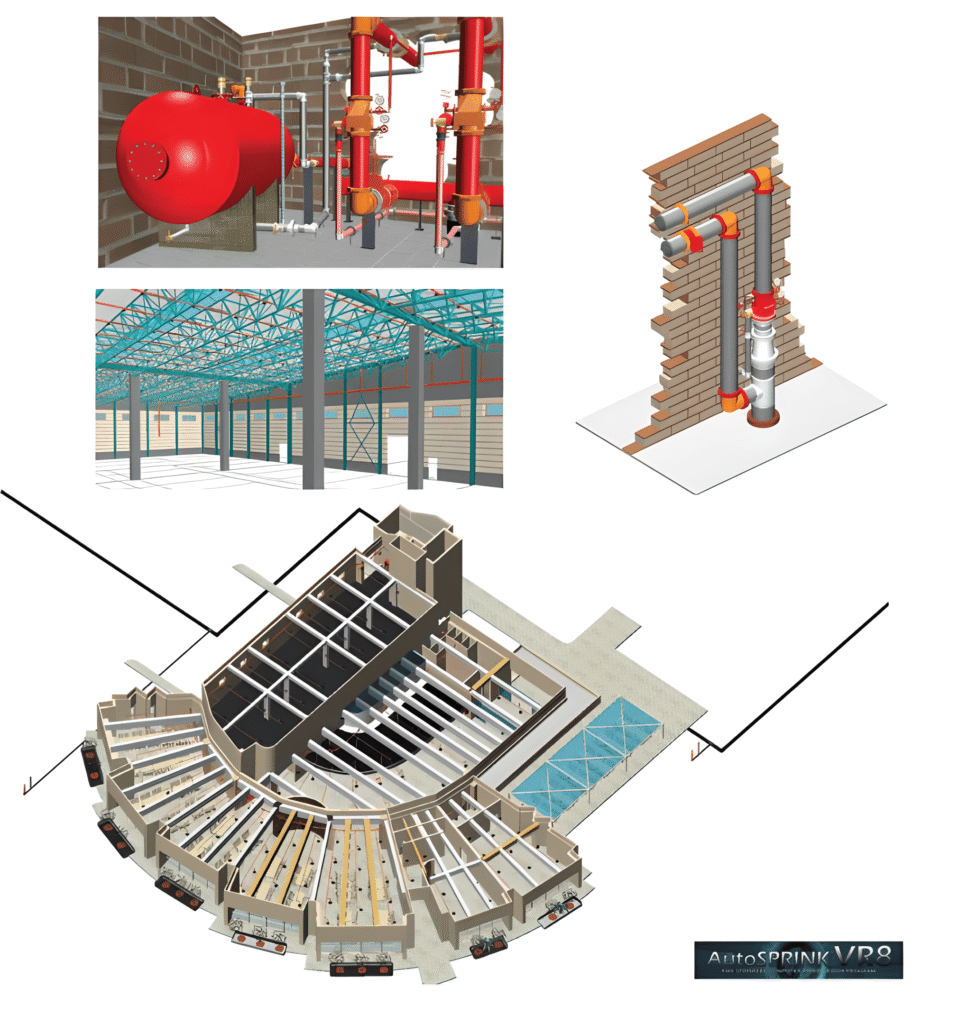
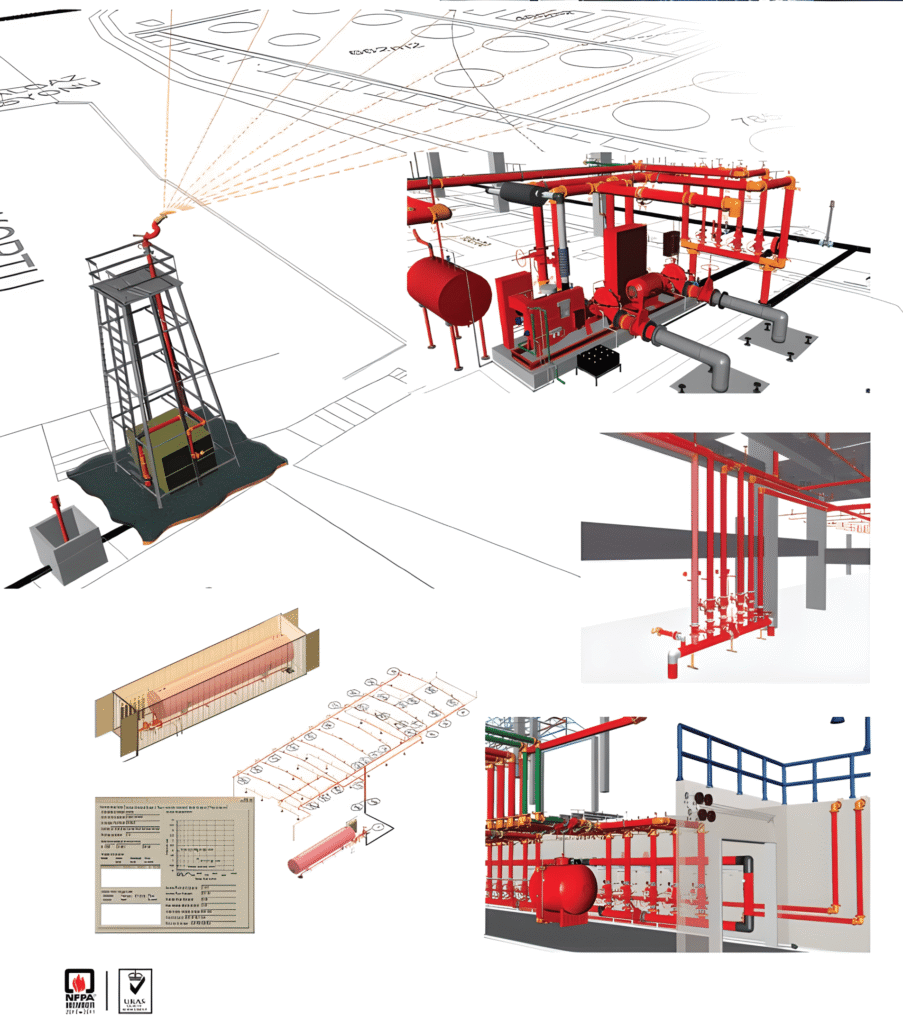
Use CAD models
PyroSim imports AutoCAD DXF and DWG files. When a DWG/DXF file is imported, all 3D face data is treated as obstructions and other data (lines, curves and so on) as separate CAD data. Alternatively, a drawing in GIF, JPG or PNG format can be imported as a background and the model drawn directly over the image.
Multiple mesh management
It includes tools to help create and check multiple meshes. Multiple meshes let you speed up the solution with parallel processing, fit meshes to the geometry to reduce cell count and solution time, and use different resolutions in different regions of interest.
Integrated parallel processing
PyroSim supports starting parallel simulations using MPI. On a single machine with several cores or processors, parallel processing is built in. A simulation can also run on a network cluster of several computers.
HVAC systems
One of the major new features of FDS 6 is the integration of HVAC (heating, ventilation and air conditioning) systems into the CFD simulation. An HVAC system can carry contaminants and heat through a building. Systems are defined with ducts, nodes, fans, heat exchangers and dampers, and can be edited and visualised in PyroSim. When HVAC is used to extract smoke or keep stairwells pressurised, it can also be modelled as part of the building's fire protection.
Import existing FDS models
An existing FDS model is easy to bring into PyroSim, and all model information is ready for editing and visualisation.
Smoke movement tracking (post-processing)
During analysis, NIST's Smokeview program can be started to view smoke, temperature, velocity, toxicity and other FDS output. PyroSim also supports XY time-history plots.
Vendus simulation
The Vendus Simulation application is software used in fire safety and emergency response training. It recreates real-world scenarios in a virtual environment so that users learn to act correctly and effectively in an emergency. Tekno Fire uses it to train its own staff regularly and keep their fire safety knowledge up to date.
Pathfinder simulation
The Pathfinder Simulation application is designed to make fire safety and emergency response more effective. It offers realistic scenarios in a virtual environment and builds the skill of making the right decision in a crisis. Tekno Fire uses it to train employees regularly so they are ready for emergencies.